
Log in as the root user.
Go to Settings >> Restore.
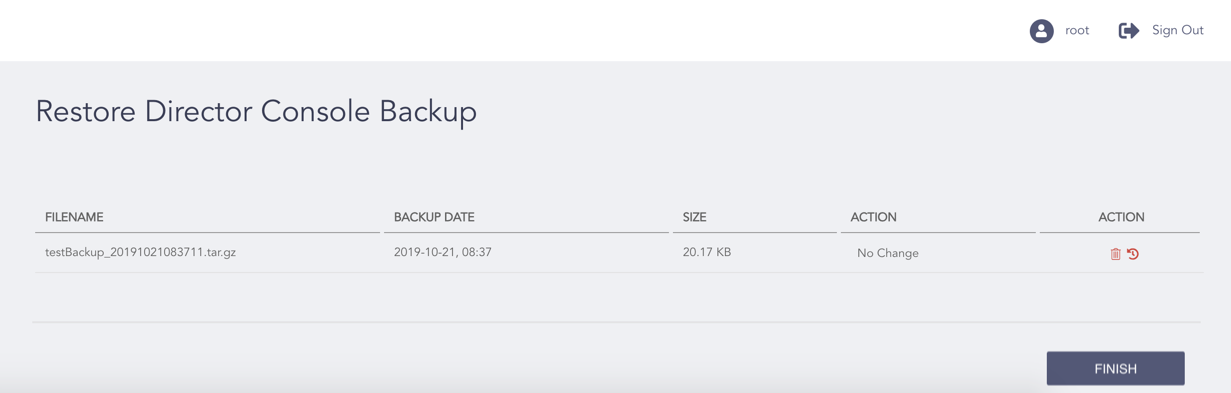
Deleting a Director Console Backup
Select the Delete ( ) icon from the Action column of the backup you want to delete.
Note
You can also delete the backups taken from the API in the Director Console UI.
Click Finish.
Click OK.